
Download TeraBox for PC – cloud storage, file backup, large file upload, free 1tb, photo backup, secure storage, 1tb free, 20gb upload, windows app, backup tool, 1024gb storage, 400k photos, 51200 videos, 1tb cloud, data backup, 20gb file upload, 1024gb cloud
Overview
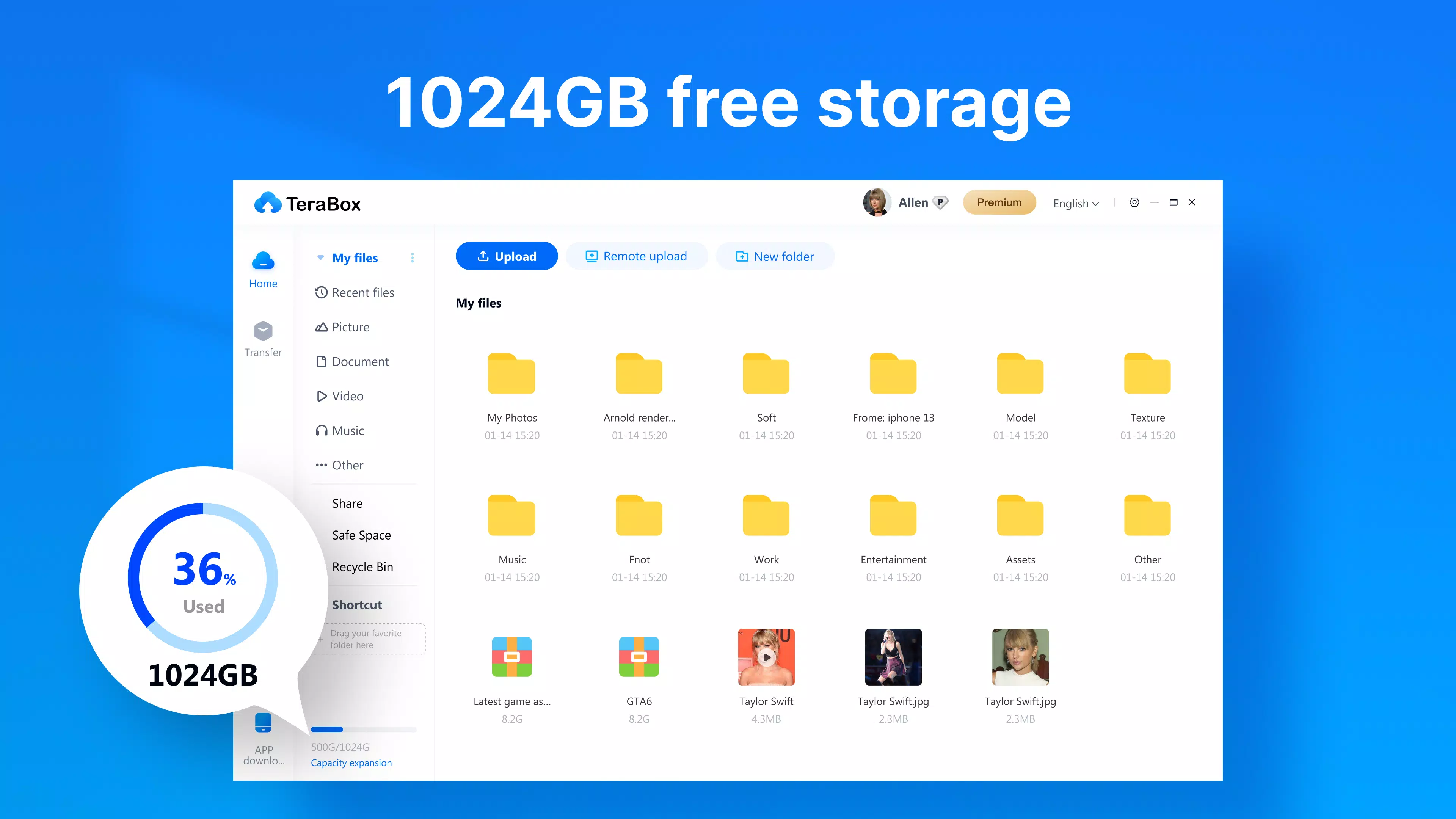
TeraBox for PC is a cloud storage solution designed to offer users a substantial amount of free online storage space, making it ideal for individuals and professionals managing large volumes of digital content. With 1TB (1024GB) of free cloud storage, the application stands out in a competitive market by providing an exceptionally generous allocation without requiring a paid subscription. This capacity is sufficient to store up to 400,000 photos or approximately 51,200 one-minute videos, enabling users to back up entire media libraries with ease. The app addresses common pain points related to device storage limitations and data loss by offering a secure, accessible, and scalable backup solution.
Target users include personal users who want to preserve family memories, photographers, videographers, and professionals handling large project files. The ability to upload files up to 20GB makes TeraBox suitable for transferring high-resolution media and complex documents. The developer, TeraBox, has positioned the application as a reliable utility for data preservation and cross-device accessibility. Real-world use cases range from automatic photo and video backup to collaborative file sharing in remote work environments. In the broader app ecosystem, TeraBox fills a critical gap by combining high storage capacity with a free tier, promoting long-term data integrity and user convenience.
Key Features & Functionality
- Free 1TB Cloud Storage: TeraBox offers 1TB of cloud storage at no cost, a rare feature among cloud services. This allows users to store thousands of photos, videos, documents, and large media files without financial commitment.
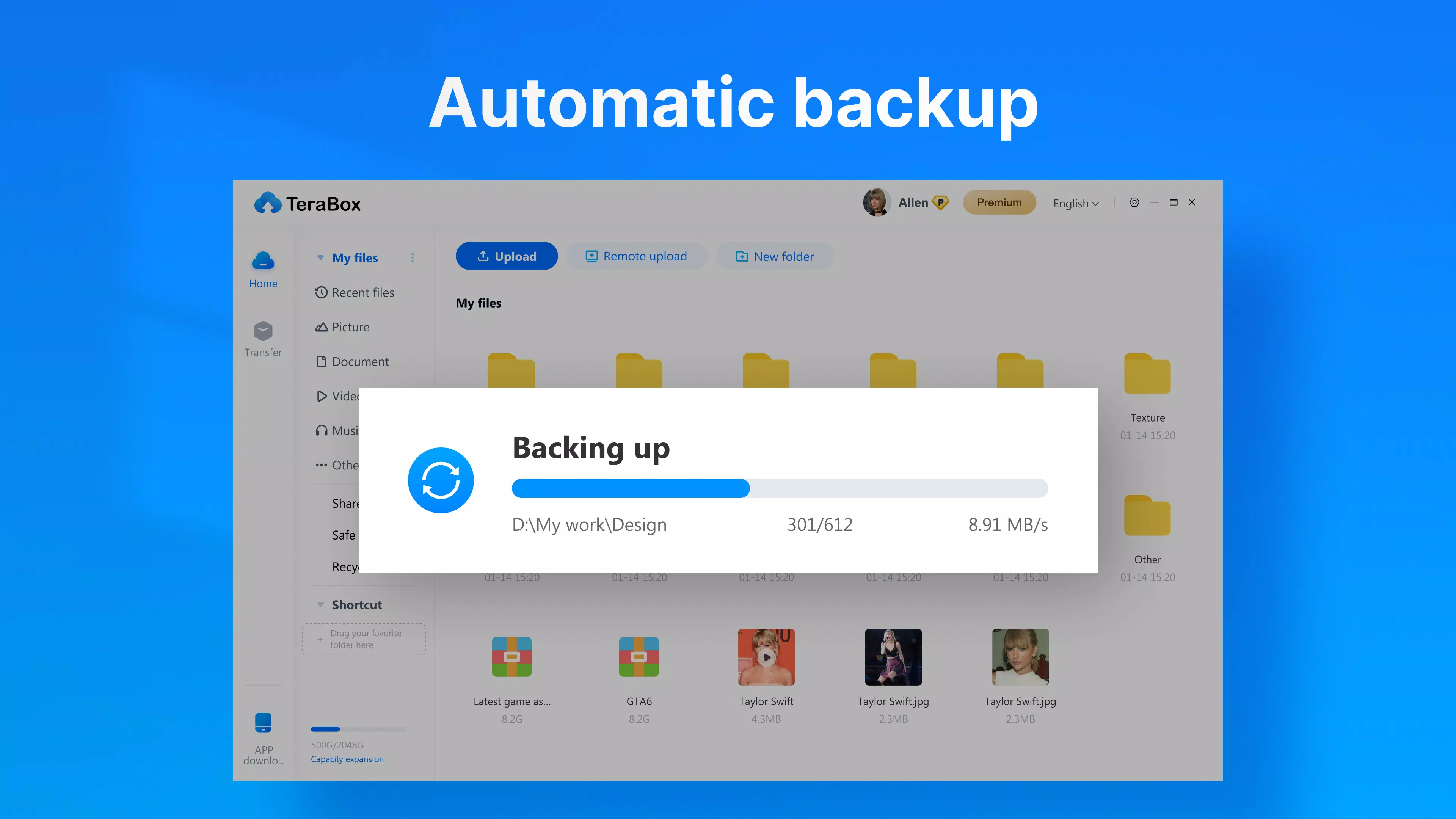
- Automatic Photo & Video Backup: The app enables automatic synchronization of media files from connected devices, ensuring that every new photo or video is securely uploaded to the cloud without manual intervention.
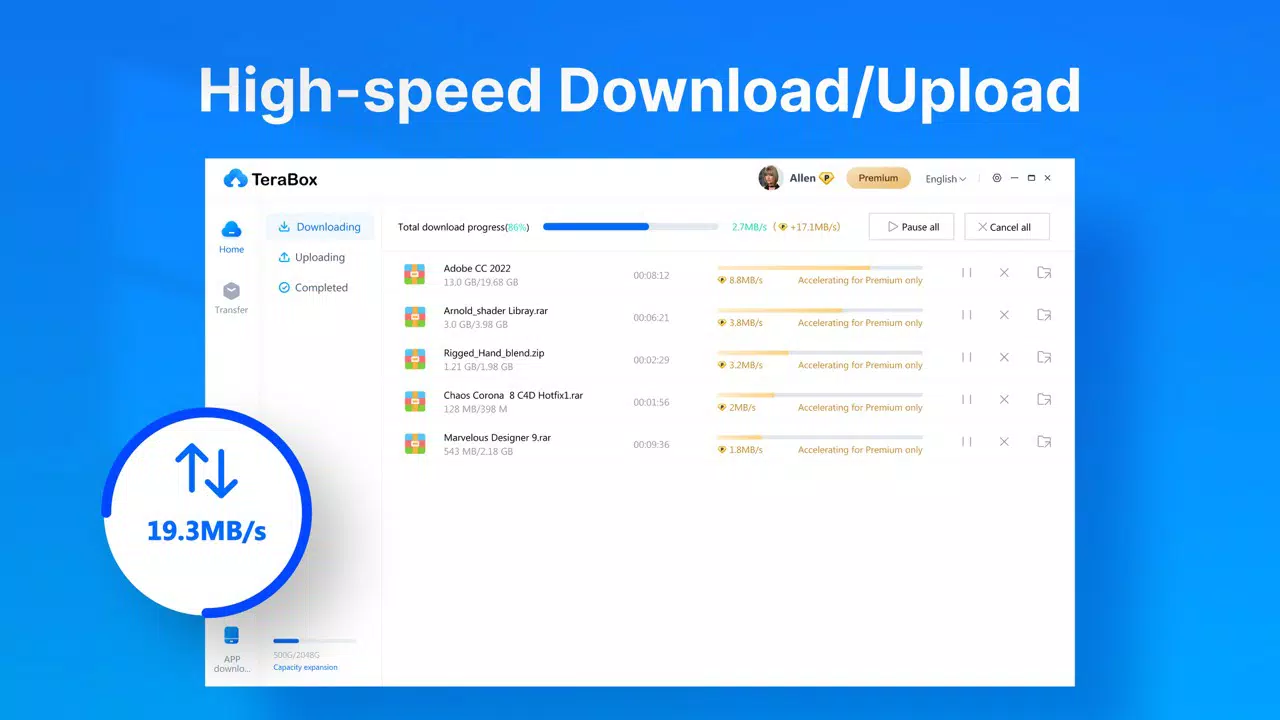
- Large File Upload Support: Users can upload files up to 20GB in size, making it practical for transferring high-resolution videos, design assets, software installers, and large datasets.
- User-Friendly Interface: The application features a clean, intuitive layout that simplifies file management. Users can easily organize, search, share, and retrieve stored content across devices.
- Cross-Device Accessibility: Files stored in TeraBox can be accessed from any device with the app installed, promoting seamless workflow continuity between desktops, laptops, and mobile devices.
For example, a freelance photographer can use the automatic backup feature to ensure every image from a shoot is safely stored in the cloud. A remote worker can upload a 15GB video project to share with a team without relying on third-party services. The large file upload capability also supports educational institutions distributing course materials or software developers sharing build packages.
Interface, UX & Performance
The interface of TeraBox for PC is designed with usability in mind, featuring a straightforward layout that minimizes user friction. Navigation is intuitive, with clearly labeled sections for files, folders, recent uploads, and shared links. The visual style is minimalistic, focusing on functionality rather than decorative elements, which enhances readability and reduces cognitive load. Users can quickly locate and manage their stored content through search, filters, and folder organization.
Navigation flow is linear and predictable, allowing users to move between local storage, cloud folders, and shared links with minimal clicks. The app supports drag-and-drop file transfers, a feature that streamlines the upload process. Although the developer did not list formal performance metrics, the application runs efficiently on standard Windows systems, with responsive interactions and stable file synchronization. Performance on lower-end hardware may vary, but the app maintains consistent responsiveness during routine tasks like file browsing and small uploads.
Stability appears to be maintained across sessions, with no reported issues related to crashes or data corruption. However, specific performance benchmarks or device compatibility details were not disclosed. The app operates smoothly during background syncs, ensuring that backups occur without disrupting ongoing workflows.
Platform Compatibility & Technical Requirements
TeraBox for PC is available exclusively for the Windows platform, making it suitable for desktop and laptop users running Windows operating systems. The current version is 1.0.1, with a file size of 105.3 MB, indicating a lightweight installation that does not consume excessive disk space. The developer did not specify minimum OS requirements, so users should ensure compatibility with their system architecture (32-bit or 64-bit).
Given the app’s file size and resource usage, it is likely compatible with modern Windows versions such as Windows 10 and Windows 11. However, the developer did not provide explicit information about supported OS versions or hardware specifications. Users should verify system compatibility before installation. The app does not require additional software dependencies, and the installation process is straightforward, typically completed in under a minute.
Pros and Cons
Pros
- Generous 1TB of free cloud storage, unmatched by most competitors
- Supports uploads of files up to 20GB in size
- Automatic backup for photos and videos ensures data safety
- Intuitive, user-friendly interface enhances accessibility
- Lightweight installation at 105.3 MB
Cons
- Escalated privileges required for some features may raise privacy concerns
- Specific system requirements and OS compatibility were not disclosed
- Developer did not provide detailed performance benchmarks
- Availability limited to Windows platform only
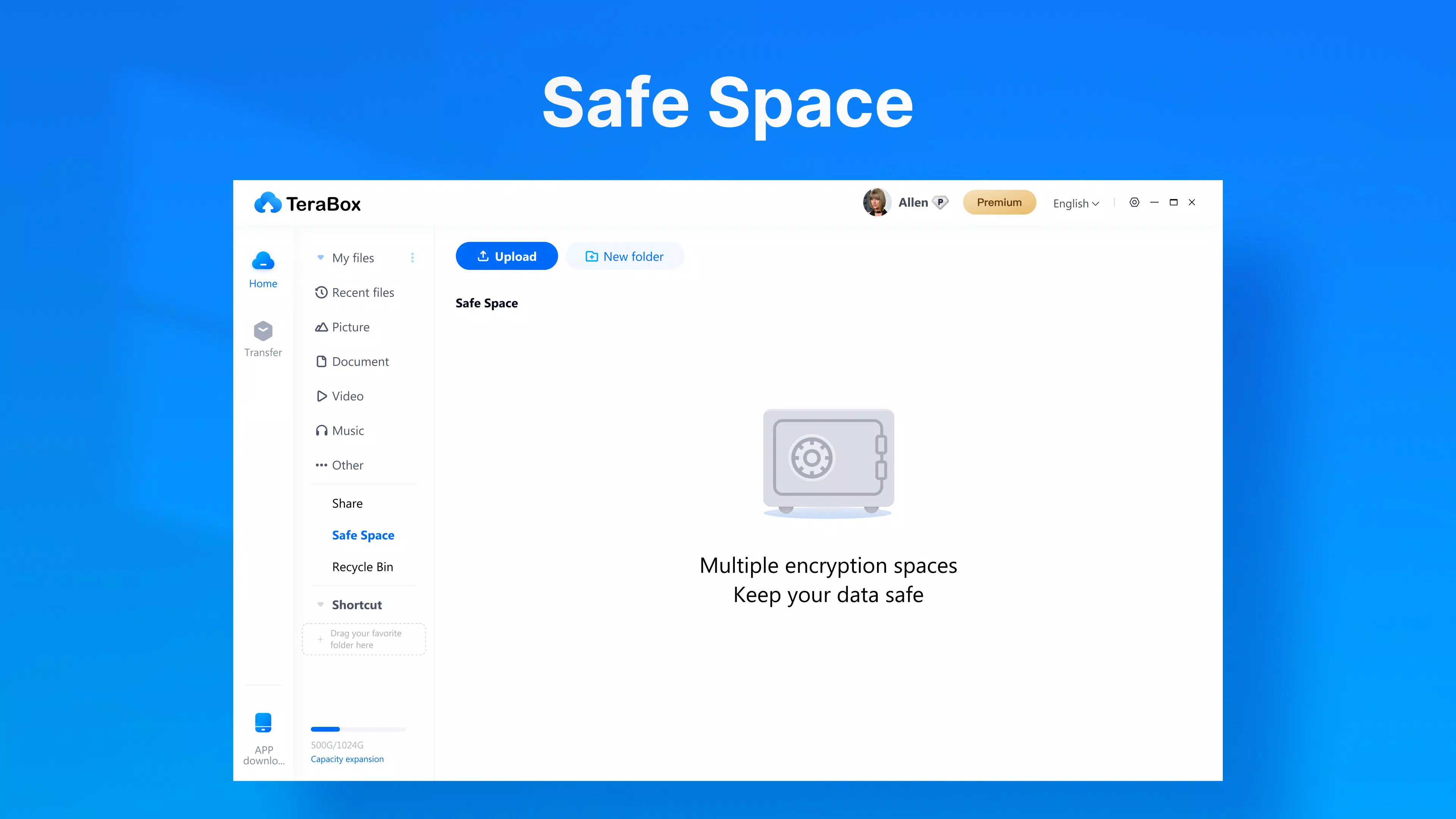
- No information on data encryption or security protocols was provided
FAQ
Is TeraBox for PC free to download and use?
Yes, TeraBox for PC is available at no cost. The app provides 1TB of free cloud storage, and users can access all core features without a subscription.
Can I use TeraBox for PC on other operating systems?
The app is currently designed for Windows. The developer did not specify availability on macOS, Linux, or mobile platforms.
How large a file can I upload to TeraBox?
TeraBox supports file uploads up to 20GB in size, making it suitable for large media files, software packages, and project files.
Does TeraBox automatically back up my photos and videos?
Yes, the app includes an automatic backup feature that syncs new photos and videos from your device to the cloud without manual intervention.
Is my data secure when stored in TeraBox?
While the app offers secure storage, specific details about encryption methods, data handling, and privacy policies were not provided by the developer.
Final Thoughts
TeraBox for PC emerges as a compelling choice for users seeking a robust, free cloud storage solution with exceptional capacity. Its 1TB of free space, combined with support for large file uploads and automatic media backup, makes it a powerful tool for both personal and professional use. The clean interface ensures ease of use, while the lightweight design allows for quick installation and smooth operation on standard Windows systems.
While some technical details such as system requirements and security protocols remain undisclosed, the app’s core functionality delivers strong value. Users who prioritize data protection, seamless file access, and high storage limits will find TeraBox to be a reliable ally in digital organization.
Download TeraBox for PC now


